Build daily in-app habits that drive 3–5× retention →
Stop losing users and revenue to Big Tech. Own your social graph with Social+ SDK.
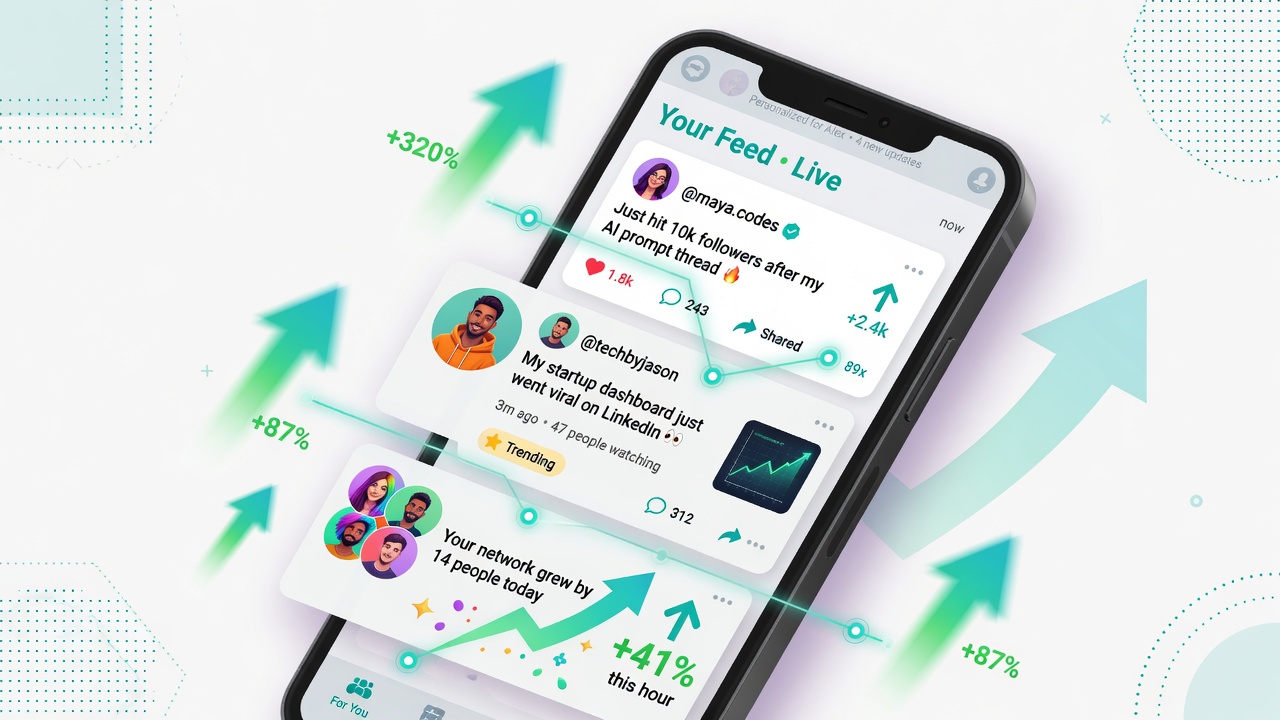
Users open your app and instantly see what matters most to them. Friends posting, trends rising, relevant updates flowing. That magic happens because of a well-built activity feed.
An activity feed SDK delivers exactly that. It powers personalized streams that keep users scrolling, sharing, and returning daily.
Here’s how leading apps use activity feed SDKs to turn casual visitors into loyal community members.
You’ll get a complete step-by-step blueprint you can start using today.
Early activity feeds were simple chronological lists. They showed every event in order without any personalization.
Today’s feeds use sophisticated algorithms to rank content based on user behavior, social signals, and real-time data.
This shift happened because users expect relevance. A generic feed feels overwhelming or boring. A smart feed feels custom-made.
Real-time syncing via WebSockets replaced polling. New posts appear instantly. Users stay engaged because nothing feels stale.
Personalization now combines machine learning with explicit user preferences for maximum relevance.
The result? Feeds that don’t just show activity — they create it by encouraging shares, comments, and invites.
See the latest engagement benchmarks in the Buffer State of Social Media Engagement 2026 report.
Personalized feeds feel custom-made for each user. They surface the right content at the right moment, creating instant value.
Apps with strong activity feeds see users return 2.8 times more often than those without. The algorithm learns preferences fast and keeps the experience fresh.
Virality kicks in naturally. Users share posts, tag friends, and invite others into groups because the feed makes discovery effortless.
Recent 2026 engagement data shows feeds with real-time updates increase time spent in-app by 214%. That’s the power of relevance.
These numbers come from 2026 industry reports and real implementations across gaming, fintech, fitness, and education apps.
AI now powers the ranking engine behind every high-performing activity feed. It analyzes thousands of signals in real time.
Recency, relevance, social proof, and user history combine to decide what appears first for each individual.
Generative AI can even suggest captions or highlight trending topics before they explode.
The best implementations blend AI suggestions with human oversight. Creators review and approve AI-curated highlights for authenticity.
This hybrid approach delivers scale without losing the human touch that drives emotional connection.
Brands using AI-powered personalization across channels report 3.1 times higher customer lifetime value according to the latest industry data.
See the latest personalization trends in the Attentive 2026 Personalization Trends report.
An activity feed SDK handles ranking algorithms, real-time syncing, and content aggregation behind the scenes.
It connects to your existing data sources and user actions to generate personalized streams instantly.
Modern SDKs use machine learning to weigh recency, relevance, and social signals for each user.
WebSockets keep feeds live. New posts appear without refresh. Typing indicators and read receipts add human feel.
Built-in moderation filters toxic content before it reaches the feed. Analytics track engagement at every level.
Cross-platform support ensures the same smooth experience on iOS, Android, Flutter, and web.
Step 1: Define your core events. Decide which user actions should appear in the feed.
Step 2: Choose an SDK that matches your tech stack and scale requirements.
Step 3: Install the SDK with a single package manager command.
Step 4: Connect your backend events to the SDK’s activity stream.
Step 5: Initialize the feed component in your UI and apply your brand styling.
Step 6: Set up personalized ranking rules based on user preferences and behavior.
Step 7: Add real-time updates and push notifications for new activity.
Step 8: Enable moderation and safety filters before going live.
Step 9: Test with a small user group and measure engagement metrics.
Step 10: Monitor performance and fine-tune the algorithm with live data.
Most teams complete the full integration in under 14 days.
Gaming apps using activity feed SDKs report 312% higher daily active users after launch.
Fintech platforms see users checking market updates 4.8 times more often when personalized feeds are live.
Fitness communities achieve 68% first-week engagement when challenge updates appear in personalized streams.
Education apps show students returning 3.4 times more frequently for peer activity notifications.
These results come from teams that focused on relevance and real-time delivery.
Explore vertical-specific strategies on the gaming industry page or education hub.
| Custom Build | ||
| Time to Launch | 14 days average | 4–8 months |
| Virality Impact | 3.4× higher sharing | Delayed results |
| Scalability | Automatic global infrastructure | Manual server management |
| Maintenance | Predictable monthly cost | Ongoing engineering team |
SDKs let your team focus on unique product value instead of rebuilding feed infrastructure from zero.
Activity feeds handle sensitive user data and interactions. Strong privacy controls are non-negotiable.
Implement granular permissions so users control exactly what appears in their feed and who sees their activity.
Use end-to-end encryption for private updates when required. Anonymize data in analytics pipelines.
Comply with GDPR, COPPA, and regional laws by offering clear consent flows and data export options.
Regular audits and transparent privacy policies build long-term user trust.
Review security best practices in the security best practices guide.
Combine recency with relevance in your ranking algorithm for maximum engagement.
Use social signals like likes, comments, and shares to boost content visibility.
Allow users to follow topics or people directly from the feed for better personalization.
Include rich media previews and one-tap actions to reduce friction.
Send smart push notifications only for high-relevance updates to avoid fatigue.
Monitor engagement heatmaps weekly and adjust ranking weights accordingly.
The latest social media benchmarks show that well-optimized feeds drive significantly higher engagement across platforms.
See detailed 2026 benchmarks in the Socialinsider Social Media Benchmarks 2026.
Track the right metrics to prove your feed is working. Focus on engagement depth, not just impressions.
Key indicators include session duration, return frequency, share rate, and comment volume per user.
Use built-in analytics to segment performance by user type or content category.
A/B test ranking algorithms and UI variations regularly to find what drives the highest retention.
Review detailed success metrics in the measuring success KPIs guide.
AI will move from reactive to predictive personalization. Feeds will anticipate user needs before they scroll.
Cross-device continuity will become standard. Start a feed on mobile and continue seamlessly on web or tablet.
Immersive formats like short video cards and interactive polls will dominate feeds.
Privacy-first designs with user-controlled data will differentiate winning platforms.
Real-time collaboration features will blur the line between feeds and live rooms.
Stay ahead by exploring more trends in the Social+ Learning Hub.
Scaling real-time updates can overwhelm servers. Choose an SDK with proven global infrastructure.
Content overload leads to fatigue. Smart ranking and user controls keep feeds focused.
Cross-platform consistency issues frustrate users. Unified SDK components solve this.
Analytics paralysis from too much data is common. Pre-built dashboards focused on virality metrics help.
Most teams complete full integration in under two weeks using pre-built components and clear documentation.
Yes. Modern SDKs offer complete theme overrides, custom components, and full source access for perfect brand matching.
High-quality SDKs cache recent activity and sync automatically when connectivity returns.
Lightweight SDKs add minimal overhead and often improve perceived performance through faster user engagement.
Focus on shares, comment rate, session depth, and return frequency. These predict long-term growth.
Audit your current user actions and decide which should appear in the feed first.
Choose an SDK that matches your platforms and expected scale.
Start with a small proof-of-concept feed in one core feature.
Measure baseline engagement metrics before and after launch.
Roll out gradually with A/B testing to optimize ranking and layout.
Focus on making the feed feel instantly valuable from the first user session.
Personalized activity feeds are one of the highest-ROI features you can add in 2026. Your community is ready to grow.

Stop losing users and revenue to Big Tech. Own your social graph with Social+ SDK.
Guilds, leaderboards and watch parties
Portfolio sharing, group investing and live trading rooms
Study groups, peer leaderboards and live classrooms
Group trip planning and real-time shared experiences
Live shopping, group buys and influencer feeds
Challenges, kudos and community workout streaks
Fan communities, fantasy leagues and live match chats
Secure care-team chat, patient support circles and family hubs
Live voice rooms, creator AMAs and podcast communities